
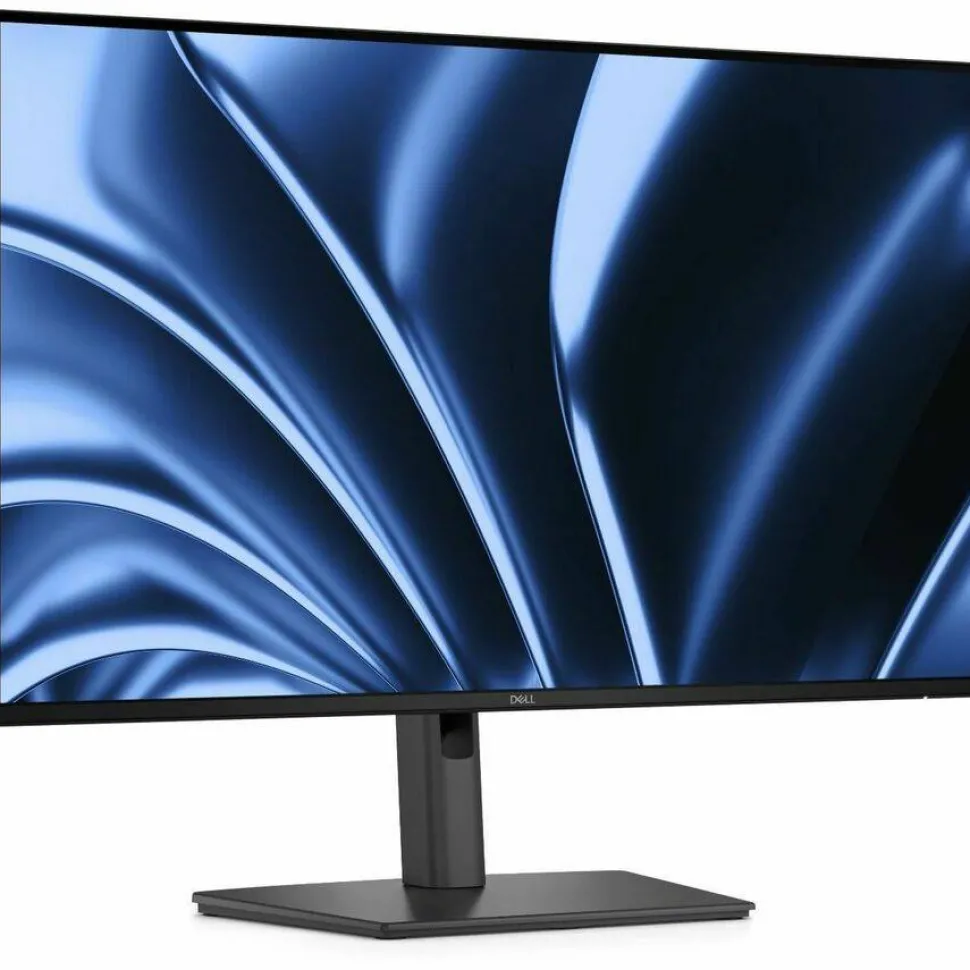
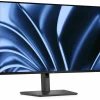
Dell Pro P P2726HE 27″ Class LED Monitor – 16:9 – Dark Gray
$138.99
Product Description
Optimised connectivity and efficiency
Connect your accessories with a wide variety of ports and enhance efficiency via daisy chaining, all in a clutter-free setup.
Single-cable solution
Transmit video, data, Ethernet and up to 100W power delivery all at once with USB-C.
Extensive connectivity
Wide variety of ports for all your accessories and RJ45 delivering stable Ethernet.
Remote manageability
Simplify management with Dell Display and Peripheral Manager (DDPM) and Dell Device Management Console (DDMC) through the cloud, enabling IT administrators to configure and deploy updates with ease. Experience firmware updates that are faster, smarter, and completely silent.
Quick access ports
Thoughtfully designed with a bottom bezel featuring 1 USB-C (with up to 15W charging) and 1 USB Type A quick-access port, this monitor offers the convenience of easy connectivity.
An intuitive on-screen display highlights port locations, making it effortless to connect your devices.
Silent Firmware Update
Deliver an exceptional user experience with seamless firmware updates completed in just 2-3 minutes, reducing update time by up to 90%. Updates run during PC disconnect or monitor sleep preventing screen blackouts, along with flexible scheduling of updates ensuring 100% uninterrupted user productivity with guaranteed execution and compliance.
Works with devices on macOS
Tested with devices on macOS, this USB-C monitor is ready-to-work with Mac devices. Requires USB-C or HDMI connectivity. Daisy chaining multiple displays via a single cable requires Thunderbolt connectivity. Please check your device for compatibility, as select M-series chips may not support some features. Install Dell Display and Peripheral Manager application to customise advance settings.
Enhanced eye comfort
TÜV 4-Star certified monitor for eye comfort reduces eye fatigue while you work.
Reduces blue light
This monitor features hardware low blue light technology, reducing harmful blue light emissions to ≤35% for all day eye comfort without sacrificing colour.
Refresh rate
100Hz refresh rate reduces flicker, enabling smoother scrolling and consistent motion.
Vivid colours
Experience wide colour coverage of 99% sRGB and 99% BT.709 with up to 16.7 million displayable colours for vibrant and accurate visuals.
Work in clear detail | Colour consistency
Consistent, vibrant colours across wide viewing angles enabled by In-Plane Switching (IPS) technology.
Exceptional contrast
1500:1 contrast ratio for deeper blacks and brighter whites.
Designed for comfort and ease
Adjustability to meet your preferences throughout the day, complemented by an ultra-thin bezel for a sleek design.
Dell Display and Peripheral Manager
Experience Dell’s singular, innovative application to optimise the performance of your entire Dell PC workspace.
Maximise productivity
Easy Arrange tiles apps across screens with pre-set partitions and customises up to five windows, enhancing multitasking. Easy Arrange Memory saves and restores app profiles manually, on schedule, or at start-up.
- 27″ viewable screen size ensures sharp, vibrant visuals for a consistently engaging and responsive viewing experience
- LED backlight technology enhances brightness and contrast while using less power for vivid visuals and energy-efficient performance
- 5 ms response time enhances responsiveness and visual sharpness, ideal for action-packed games, sports, and dynamic media
- With Eye Comfort Certification, supports healthier screen time by reducing visual fatigue in work, study, and entertainment modes
- 4 Star Eye Comfort Rating offers high-level protection against blue light and flicker, helping support long-term visual wellness
- 16:9 widescreen layout enhances multitasking and visual depth, making it suitable for both creative workflows and media consumption
- Furnishes captivating visuals with 300 Nit brightness levels that deliver clear, vibrant images in both bright and dim settings
- Anti-glare led monitor reduces ambient reflections, improving screen visibility and comfort in bright or mixed lighting environments
- 1920 x 1080 maximum resolution produces vibrant, high-definition visuals with optimized clarity for accurate viewing
- LED Monitor delivers stable long-term performance for both professional and personal use
Product Specifications
- Adjustable StandYes
- Aspect Ratio16:9
- Backlight TechnologyLED
- Brand NameDell
- Brightness300 Nit
- Built-in DevicesUSB Hub
- Color Supported16.7 Million Colors
- Daisy Chain Port TypeDisplayPort
- Dell Display and Peripheral Manager CompatibilityYes
- Depth with Stand7.57″
- DisplayPortYes
- DisplayPort HDCP VersionHDCP 1.4
- DisplayPort InputYes
- DisplayPort Output Version (Rear)1.4
- Energy StarYes
- Ethernet Technology Details1 x RJ-45 Gigabit Ethernet
- Eye Comfort CertificationYes
- Eye Comfort Rating4 Star
- FeaturesAnti-glare sRGB Low Blue Light Flicker-free Cable Lock Slot Security Lock BFR Free PVC Free Arsenic-free Glass Mercury-free Stand Lock Wide Viewing Angle On-screen Display (OSD) Easy Arrange
- Flicker FreeYes
- Frequency50 Hz 60 Hz
- HDCP SupportedYes
- HDMIYes
- HDMI HDCP VersionHDCP 1.4
- HDMI Version2.1
- Height with Stand21.05″
- Horizontal Viewing Angle178°
- Input Voltage Range100V AC to 240V AC
- Input Voltage Range/Current Details100 VAC to 240 VAC/50 Hz or 60 Hz ± 3 Hz/2.5 A
- Interface/Port Details1 HDMI port/s (HDCP 1.4) (Supports up to 1920 x 1080,120 Hz as specified in HDMI 2.1 (TMDS)) 1 DisplayPort 1.4 (HDCP 1.4) port/s 1 DisplayPort Out 1.4 port/s 2 USB Type-A 5Gbps downstream port/s1 USB-C 5Gbps upstream port/s (DisplayPort 1.4 Alt Mode, Power Delivery up to 100W (for Dell compatible notebook)) 1 RJ45 Ethernet port/s, 1GbE 2 USB-C 5Gbps downstream port/s (Power Delivery up to 15 W)
- Manufacturer Part NumberDELL-P2726HE
- Maximum Adjustable Height5.91″
- Maximum Resolution1920 x 1080
- Mount TypePanel Mount
- Native Contrast Ratio1,500:1
- Network (RJ-45)Yes
- Number of DisplayPort 1.4 Ports1
- Number of DisplayPort Output Ports (Rear)1
- Number of DisplayPorts2
- Number of HDMI Inputs1
- Number of Network (RJ-45) Ports (Rear)1
- Number of Screens1
- Number of USB Ports5
- Number of USB Type-A Downstream Ports (Rear)2
- Number of USB Type-C (Power Delivery) Upstream Ports (Rear)1
- Number of USB Type-C Downstream Ports2
- Number of USB Type-C Downstream Ports (Front)2
- Panel TechnologyIn-plane Switching (IPS) Technology
- Pivot Angle+/-90°
- Pixel Pitch0.31140 mm x 0.31140 mm
- Platform SupportedWindows Mac Linux
- Product LinePro P
- Product ModelP2726HE
- Product NamePro P 27 USB-C Hub Monitor – P2726HE
- Product TypeLED Monitor
- Remote Asset ManagementDell Display and Peripheral Manager (DDPM) Dell Device Management Console (DDMC)
- Response Time5 ms
- Response Time Details5 ms GTG (Fast) 8 ms GTG
- Stand Depth7.57″
- Stand Height16.86″
- Stand Width10.74″
- Surface TreatmentAnti-glare
- Swivel Angle-45° to 45°
- Tilt Angle-5° to 21°
- Total Number of HDMI Ports1
- Total Number of USB Type-C Ports3
- USBYes
- USB Type-A (Rear)Yes
- USB Type-A Downstream Data Rate (Rear)640 MB/s
- USB Type-C (Power Delivery) Downstream15 W
- USB Type-C (Power Delivery) Upstream100 W
- USB Type-C (Power Delivery) Upstream Supported (Rear)Yes
- USB Type-C Downstream Data Rate (Front)640 MB/s
- USB Type-C Power Delivery Downstream (Front)15 W
- USB Type-C Upstream Alternate Mode Version (Rear)1.4
- USB Type-C Upstream Data Rate (Rear)5 GB/s
- VESA Mount CompatibleYes
- VESA Mount Standard100 x 100
- Vertical Viewing Angle178°
- Viewable Screen Size27″
- Weight (with Packaging) with Stand19.67 lb
- Weight with Stand & Cables (Approximate)14.26 lb
- Width with Stand24.04″
Be the first to review “Dell Pro P P2726HE 27″ Class LED Monitor – 16:9 – Dark Gray”
Related products

Ink And Toner Cartridges
Batteries, Power & Backup




Ink And Toner Cartridges


Cleaning & Maintenance
Batteries, Power & Backup
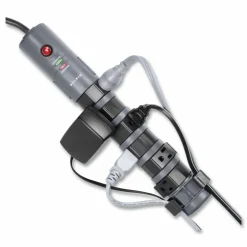
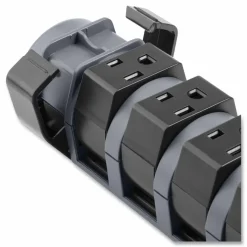
Belkin Pivot-Plug Surge Protector, 8 AC Outlets, 6′ Cord, Gray

Ink And Toner Cartridges
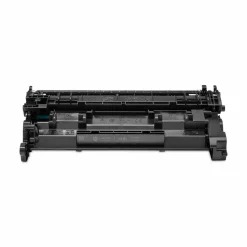
HP 148A Original Standard Yield Laser Toner Cartridge – Black – 1 Each

Batteries
Batteries, Power & Backup
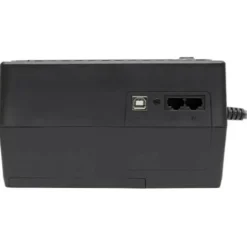
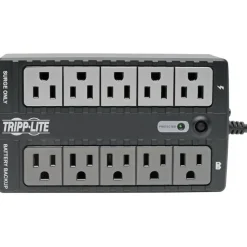
Tripp Lite by Eaton Internet Office Ultra-Compact Desktop Standby UPS, 10 Outlets, 550 VA, 420 J
Printer & Copier Supplies
Ink And Toner Cartridges
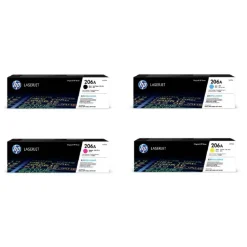
HP 206A 4-Color Black/Cyan/Magenta/Yellow Toner Cartridges, Pack Of 4 Cartridges, HP206ASET-OD


Computer Accessories
ergodyne ProFlex 4015 Wrist Brace Support with Double Strap, X-Large, Fits Right Hand, Black
Batteries, Power & Backup
Ink And Toner Cartridges
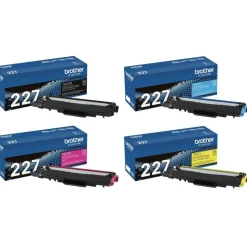
Brother TN-227 Black; Cyan; Magenta; Yellow High Yield Toner Cartridges, Pack Of 4, TN227SET-OD
Reviews
There are no reviews yet.